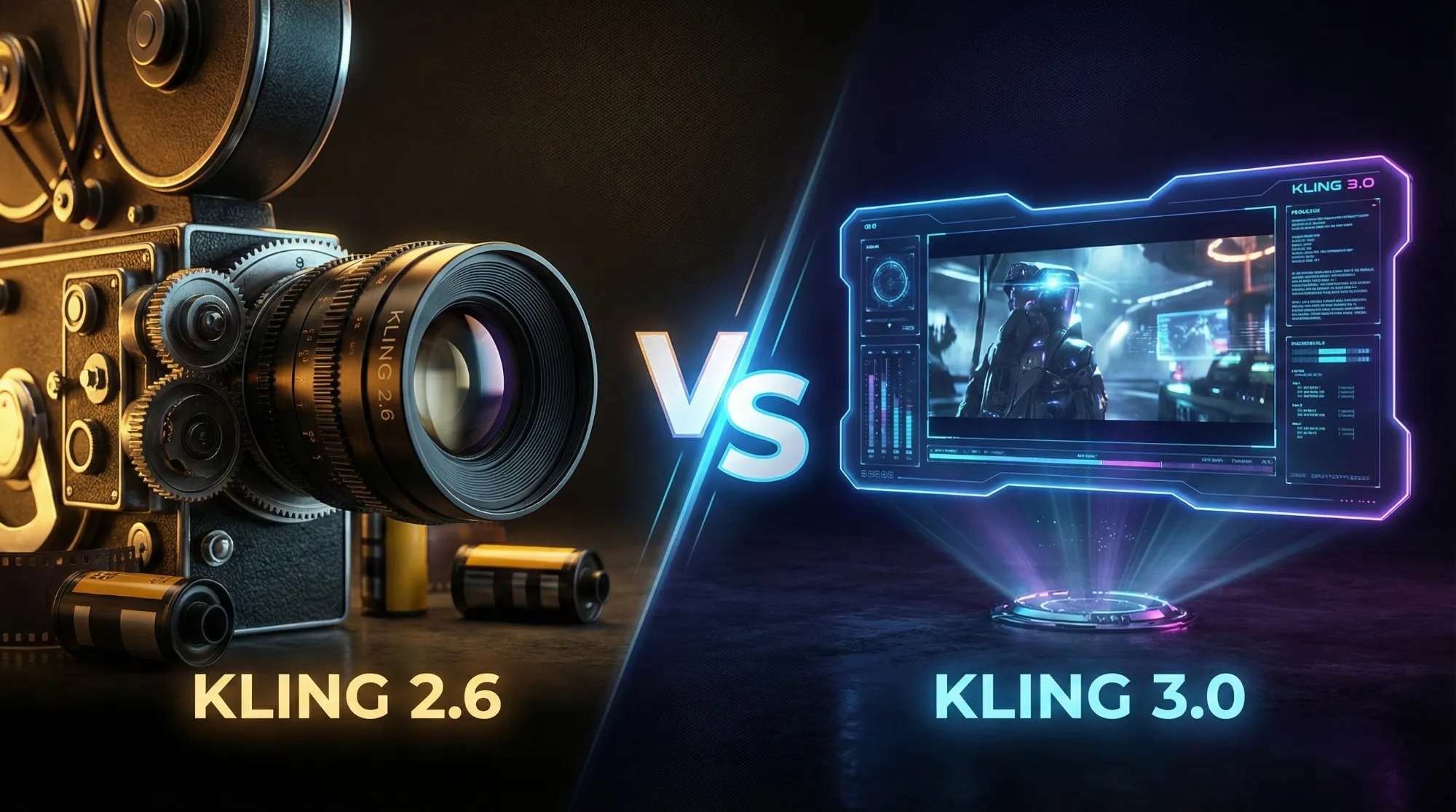
Kling 3 vs Kling 2.6: Differences, Cost and Which to Use (2026)
Choose Kling 3 when a shot needs dialogue, stronger audio coordination, longer or multi-step action, or tighter continuity across a sequence. Choose Kling 2.6 when you need a simpler standalone clip and the lower credit cost or faster iteration matters more than the newest controls.
The practical choice depends on the mode currently available in your account, the credit price shown before generation, and whether your scene actually uses Kling 3's additional capabilities. This comparison focuses on those production decisions instead of treating every newer model as an automatic upgrade.
What is New in Kling 3? (The Core Upgrade)
Kling 3 introduces an Omni-oriented workflow that coordinates visual instructions and audio more closely than earlier versions. The exact modes, duration limits, resolution options, and credit prices can vary by account and release, so confirm the controls shown in the generator before committing a production batch.

Here are the standout Kling 3 video new features that set it apart:
- Unified Multimodal Generation: Video and audio are generated in a single pass. The sound of footsteps matches the visual impact on the ground perfectly, eliminating the "drift" often seen in older Klingai models.
- Enhanced Prompt Adherence: The model follows complex instructions with much higher fidelity than Kling 2.6. It can handle multi-step actions within a single prompt, making Kling3 text to video a powerhouse for storytelling.
- 15-Second Generation: You can now generate up to 15 seconds of high-quality video in one go with Kling 3, a 50% increase over the previous standard.
- Industrial-Grade Consistency: Kling 3 consistency control is designed for professional filmmaking, keeping characters and objects stable across complex motions and lighting changes.
Kling 3 Video vs Kling 2.6: The Detailed Comparison
To understand the difference between Kling 2.6 and Kling 3, let's look at the key specifications side-by-side.
| Feature | Kling 2.6 | Kling 3 (Omni) |
|---|---|---|
| Max Duration | 10 Seconds | 15 Seconds |
| Audio | Native Audio 1.0 (Basic SFX) | Native Audio 2.0 + Lip Sync |
| Consistency | Good for short clips | Cinematic / High Stability |
| Resolution | 1080p | 1080p (Enhanced Detail) |
| Workflow | Single-shot focus | Multi-shot / Director Mode |
| Prompt Logic | Standard | Complex Logic Support |
Deep Dive: Is Kling 2.6 Obsolete?
Kling 2.6 remains useful for standalone clips, B-roll, atmospheric shots, and tests that do not require dialogue or complex multi-shot continuity. Compare the live credit estimate in the interface because cost and speed vary by mode, duration, resolution, and current pricing.
However, Kling3 Video is built for multi-shot narratives. If you are looking to create a cohesive short film where the same character appears in different scenes, the upgrade to Klingai 3 is substantial.
Kling 3 Omni: Mastering Consistency & Multi-Shot
The "holy grail" of AI video has always been character consistency. This is where Kling 3 Omni model features truly shine, moving beyond simple generation into the realm of AI filmmaking tools.
The Power of Multi-Shot Narratives
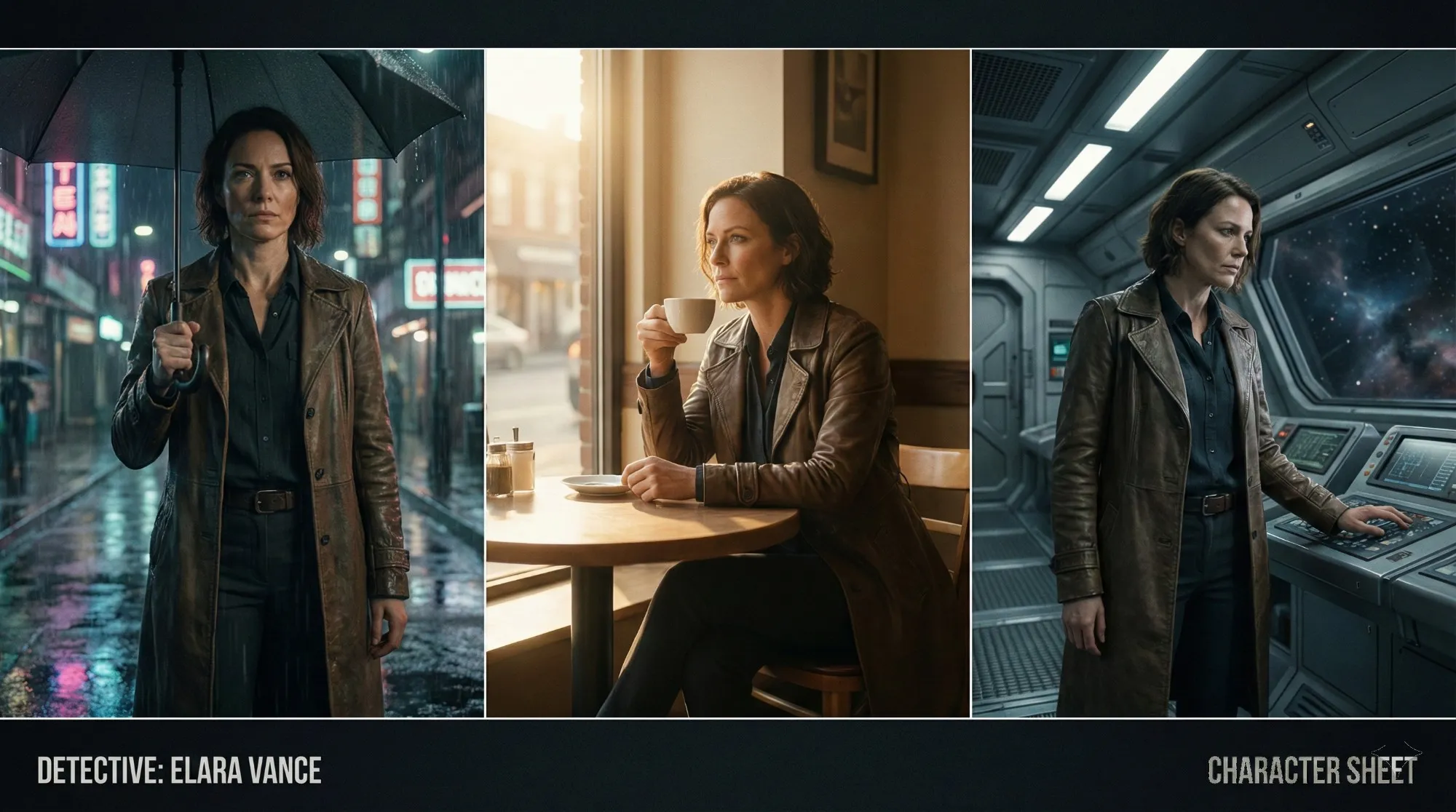
With Kling 3 multi-shot narratives, you are no longer limited to random generations. The model understands context better. By using the new Director Mode (often available in higher-tier plans), creators can define a character once and place them in various scenarios without them "morphing" into a different person.
- Tip: When using Kling 3 image to video, upload a high-quality reference sheet of your character (front, side, and 45-degree view) to maximize Kling AI character consistency.
Cinematic Transitions and Camera Control
The Kling AI director mode allows for more granular control over camera movement. While Kling 2.6 offered basic camera controls (zoom, pan), Kling3 interprets cinematic terms with greater accuracy.
Try this prompt for Kling 3 Video:
"A dolly zoom shot focused on a woman's terrified expression while the hallway background elongates, Hitchcock style, consistent lighting."
Klingai 2.6 might struggle with the simultaneous focal length change and movement, whereas Kling 3 ai handles this complex physics simulation with ease.
Kling 2.6 Audio vs Kling 3 Native Audio
Audio was a major selling point for version 2.6, but the technology has matured significantly.
Kling 2.6 (Audio 1.0): The Atmosphere Builder
The Kling 2.6 audio user guide highlighted its ability to generate matching sound effects—footsteps, rain, explosions. It was revolutionary for adding atmosphere but lacked precise synchronization for dialogue. It is still perfect for:
- Nature documentaries (wind, water flow).
- Action scenes (explosions, crashes).
- Cityscapes (ambient traffic noise).
Kling 3 (Audio 2.0 & Lip Sync): The Storyteller
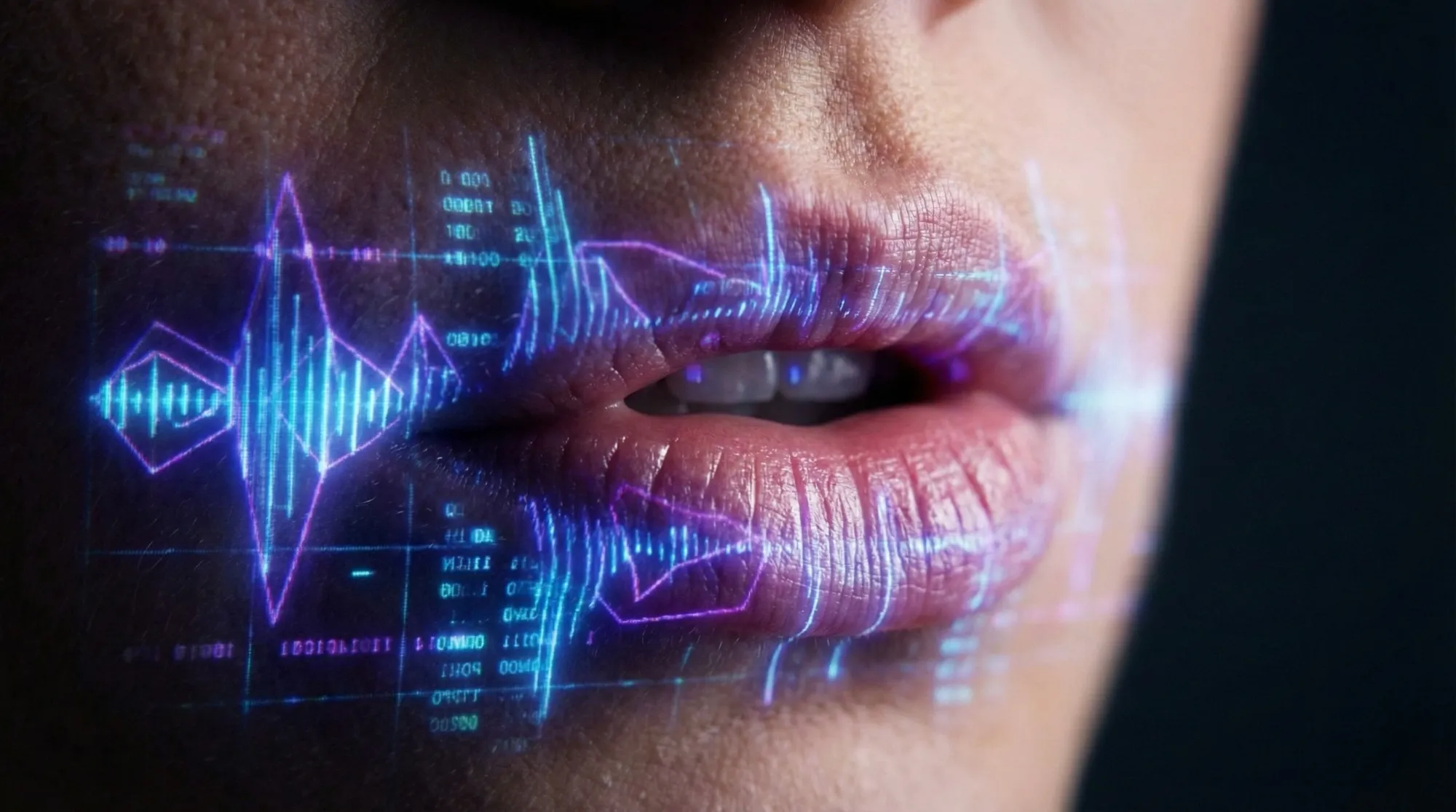
The Kling 3 native audio system introduces lip sync technology.
- Dialogue Support: Characters can now speak with lip movements that match the generated audio track.
- Multi-Lingual: Kling3 supports a wider range of languages and nuances, making it viable for global content creation.
If your project involves characters speaking, Klingai 3 is the clear winner. You no longer need external tools to patch audio onto a video; the Omni model generates them together.
Pricing & Availability: Is Kling 3 Worth the Upgrade?
When discussing Kling 3 pricing and plans, it's important to note that cutting-edge features come at a premium.
Advanced Kling 3 modes may require a different plan or more credits than Kling 2.6. Pricing changes over time, so use the credit estimate displayed before generation as the source of truth rather than relying on a fixed number in an article.
- For Hobbyists: If you are experimenting with AI video generation or making abstract art, the standard plans offering Kling 2.6 are often sufficient and budget-friendly.
- For Pros: If you need 15-second AI video generation and lip sync, investing in a plan that unlocks Kling3 is a necessary step for your production pipeline. The time saved in post-production (not having to manually sync audio or fix morphing faces) pays for the subscription.
How to Use Kling 3: A Quick Workflow Guide
Ready to try it out? Here is a simplified Kling 3 tutorial for beginners to get the best results:
Step 1: Model Selection
Ensure you have selected "Video 3.0" or "Omni" in your dashboard. Check your credit balance, as this mode consumes more resources than Klingai 2.6.
Step 2: Crafting the Perfect Prompt
Kling 3 Video responds well to structured prompting.
- Structure: [Subject] + [Action] + [Camera Movement] + [Atmosphere/Lighting] + [Audio Trigger].
- Example: "Cinematic shot of a cybernetic detective walking in rain, neon lights reflecting, 35mm lens, high detail. Sound of heavy rain and distant sirens."
Step 3: Reference Anchoring
For Kling 3 image to video, upload your character reference here to lock in the look. Use a clear, well-lit portrait for the best face stability.
Step 4: Audio Configuration
Toggle "Native Audio" on.
- For Dialogue: Explicitly write the line in the prompt, e.g., "The character says 'We need to leave now' with an urgent tone."
- For SFX: Describe the environment sound clearly.
Step 5: Generate & Extend
Start with a 5s or 10s clip. If you like the result, use the video extension feature to push it to 15s or beyond. Kling3 handles extensions better than 2.6, maintaining the context of the previous frames more accurately.
Conclusion
The choice between Kling 3 vs Kling 2.6 ultimately depends on your goals. Klingai 2.6 is a robust, proven engine that delivers high-quality visuals for general use and remains a cost-effective choice for many creators.
Kling 3, however, is a leap into the future of cinematic AI video, offering the consistency, duration, and audio tools that filmmakers have been dreaming of. It bridges the gap between "AI generated clips" and "AI generated movies."
For more in-depth tutorials, prompt guides, and the latest news on Klingai, be sure to bookmark our site.
Ready to master AI video? Compare the available modes and current credit estimate in the Kling video workspace.
Kling 3.0 vs HappyHorse 1.0: A Production-First Comparison (Quality, Control, Audio, API)
A production-first Kling 3.0 vs HappyHorse 1.0 comparison: what sources claim, how to read leaderboards, a 30-minute evaluation harness, and a decision matrix for short-form teams.
Kling 3.0 vs Runway Gen-4.5: The Ultimate AI Video Showdown (2026 Comparison)
A comprehensive 2026 comparison. We test Kling 3.0 vs Runway Gen-4.5 (Flagship) and Kling 2.6 vs Gen-4 (Standard). Discover which AI video generator offers the best daily free credits.
Veo 4 vs Seedance 2.1: Why the Next AI Video War May Be About Cost, Not Cinematic Quality
Seedance 2.1 is reportedly close, Veo 4 is widely expected around Google I/O, and Gemini Omni Flash has appeared inside Flow. The real question is no longer who looks most cinematic, but who lowers the cost of stable, usable output.
Seedance 2.1 May Be Coming Soon: Reported 20% Quality Gain, Cheaper Tier, and What Creators Should Watch
Seedance 2.1 is reportedly close to launch, with claims of a 20% quality improvement and a cheaper Seedance 2.0 tier. Here is what seems known, what is still unconfirmed, and why the update matters.
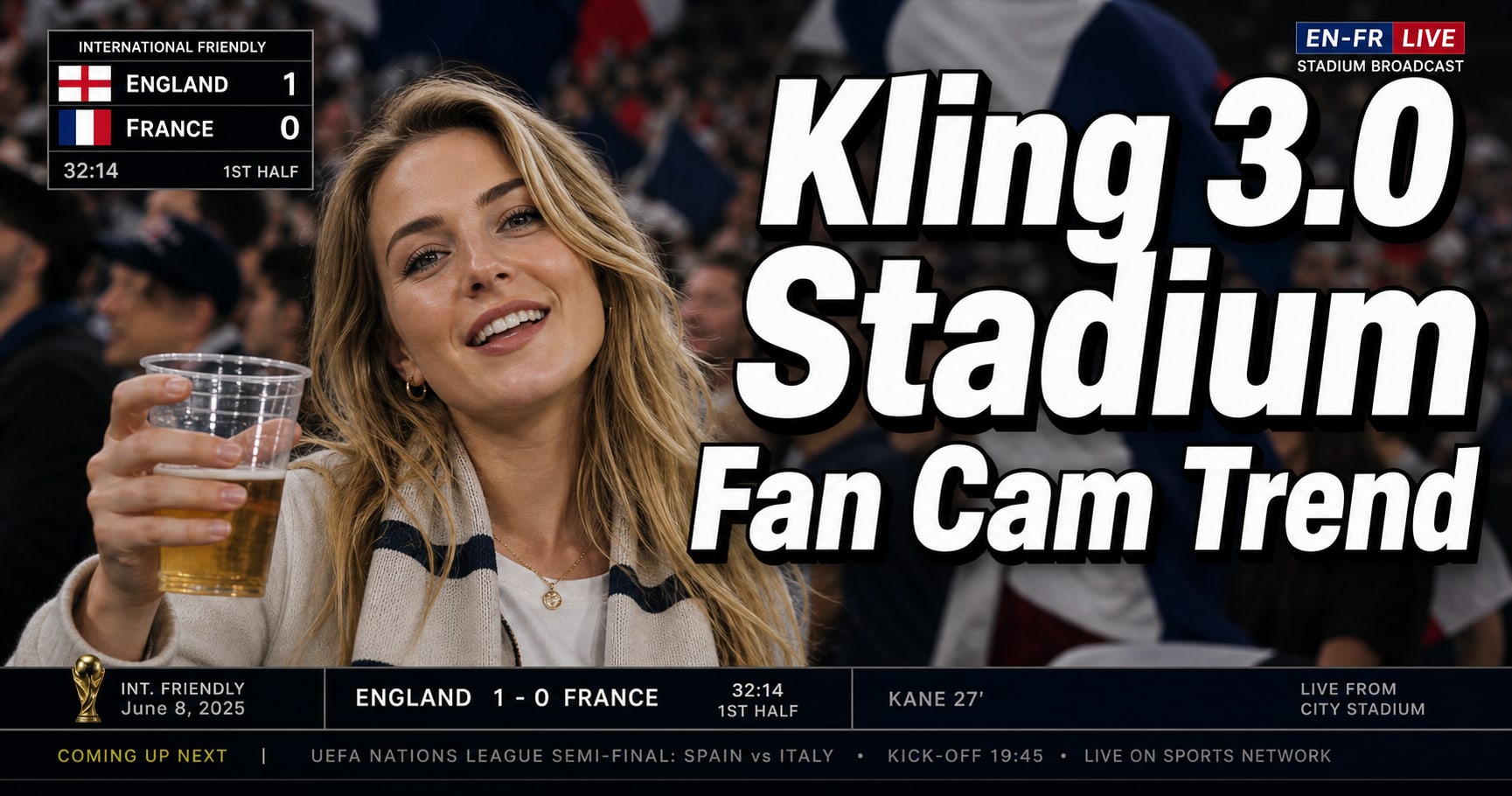
Kling 3.0 Stadium Fan Cam Trend: How to Prompt a Real Broadcast Look
A practical prompt blueprint for the Kling 3.0 stadium fan cam trend: broadcast realism cues, failure fixes, and a safe comparison plan.
Gemini Omni model: What It Is (and How to Build Safely While It’s Still Unclear)
A practical guide to the Gemini Omni model rumor cycle: what’s confirmed, what’s not, and how to ship video features safely using Veo 3.1 today.

Kling 3 4k Cost Routing
SEO-friendly description for search engines

Kling 3 4K Multi-Shot Consistency: Lock Sheets, Shot Rules, and a Ship-Pass Workflow
SEO-friendly description for search engines