Kling 2.6 Workflow Guide: Inputs, Prompts, Credits, and Troubleshooting
Verification note (updated July 13, 2026): This guide covers the web workflow available on Kling 2.6 Studio. Kling 2.6 Studio is an independent platform and is not affiliated with Kuaishou or the official Kling AI team. We do not provide Kling model weights or a local deployment package. Model availability, controls, credit costs, and limits can change, so the generation screen is the final source for the options available to your account.
What this guide helps you do
Use this guide when you want to turn a text idea or reference image into a short AI video without guessing what to put in the prompt. The practical sequence is:
- choose the input mode that matches the material you already have;
- describe the subject, action, camera, scene, and audio intent;
- check the visible duration, resolution, and credit cost before generating;
- review one problem at a time before spending credits on another attempt.
This article intentionally avoids claims about downloadable Kling 2.6 weights, unofficial repositories, or fixed hardware requirements. We have not verified a public local-deployment package for Kling 2.6.
Choose the right input mode
| Starting point | Use it when | Put most detail into |
|---|---|---|
| Text prompt | You have an idea but no source image | subject appearance, environment, action, camera, lighting |
| Reference image | Composition or character appearance already matters | motion, camera movement, timing, what must remain unchanged |
Text-to-video gives the model more freedom, which is useful for exploration but can produce larger visual changes. Image-to-video anchors the first frame more clearly, but it still cannot guarantee perfect identity, hands, text, or background continuity.
Build a prompt the model can follow
A useful prompt separates the parts of the shot instead of stacking adjectives:
Subject: a chef in a white jacket at a stainless-steel counter.
Action: slowly plates a dessert, then looks toward the camera.
Camera: medium shot, gentle push-in, no sudden cut.
Scene: quiet modern kitchen, warm practical lighting.
Audio intent: soft room tone and subtle utensil sounds; no dialogue.
Keep stable: face, jacket details, plate shape, and background layout.
If a result fails, shorten the instruction before adding more detail. A single shot with one main action is easier to diagnose than a prompt containing several locations, camera cuts, and character actions.
A credit-aware generation workflow
- Check the generation panel first. The interface shows the currently available model, input requirements, settings, and estimated credit cost.
- Start with the shortest useful test. Validate composition and motion before increasing duration or resolution.
- Change one variable per retry. Keep the seed or source image stable when the interface supports it, then change only the prompt, motion, or output setting you are testing.
- Save the working recipe. Record the prompt, source asset, selected mode, duration, resolution, and the failure you were trying to fix.
Do not rely on prices or limits copied from an old article. Use the current pricing page and the cost shown in the generation interface before confirming a job.
Common failure modes
The subject changes between frames
Use a clearer reference image, remove competing subjects, and explicitly list the two or three details that must remain stable. Avoid asking for a complete wardrobe, lighting, and location change in the same shot.
Motion is weak or ignored
Describe one observable action with direction and timing, such as “walks three steps from left to right, then stops.” Replace vague phrases such as “dynamic movement” with an action the viewer can see.
The clip flickers or warps
Reduce simultaneous camera and subject motion. Test a locked camera first, then add a slow pan or push-in after the subject movement works.
Audio or dialogue does not match the shot
Keep dialogue short, identify who is speaking, and avoid overlapping speakers in an initial test. If the current model or mode does not expose an audio option, plan to add sound in a separate editing step rather than promising native audio.
Limits to plan for
- AI video generation is probabilistic; the same prompt can produce different results.
- Reference images guide the output but do not guarantee exact identity or product details.
- Text inside generated frames may be misspelled or unstable.
- Longer or more complex shots usually require more testing.
- A failed generation may still consume credits depending on the job state and platform rules shown at the time.
Sources and update policy
This guide is based on the controls and billing information visible in the Kling 2.6 Studio generator and pricing page. For first-party Kling product announcements, consult the official Kling AI website. We review this page when the available controls, pricing, or model routing changes.
Frequently asked questions
Can I download Kling 2.6 model weights from this site?
No. Kling 2.6 Studio provides a web generation workflow. This guide does not provide model weights, a Hugging Face repository, or local deployment instructions.
Is Kling 2.6 Studio the official Kling AI website?
No. It is an independent platform. Product and company names belong to their respective owners.
How much does a generation cost?
Check the estimate shown in the generation panel before submitting. Cost can vary by model, mode, duration, resolution, and current platform pricing.
What should I change first after a poor result?
Identify the biggest failure, then change one thing: simplify the action, strengthen the reference image, reduce camera movement, or shorten the clip. Testing one variable at a time makes the next result easier to evaluate.
Veo 4 vs Seedance 2.1: Why the Next AI Video War May Be About Cost, Not Cinematic Quality
Seedance 2.1 is reportedly close, Veo 4 is widely expected around Google I/O, and Gemini Omni Flash has appeared inside Flow. The real question is no longer who looks most cinematic, but who lowers the cost of stable, usable output.
Seedance 2.1 May Be Coming Soon: Reported 20% Quality Gain, Cheaper Tier, and What Creators Should Watch
Seedance 2.1 is reportedly close to launch, with claims of a 20% quality improvement and a cheaper Seedance 2.0 tier. Here is what seems known, what is still unconfirmed, and why the update matters.
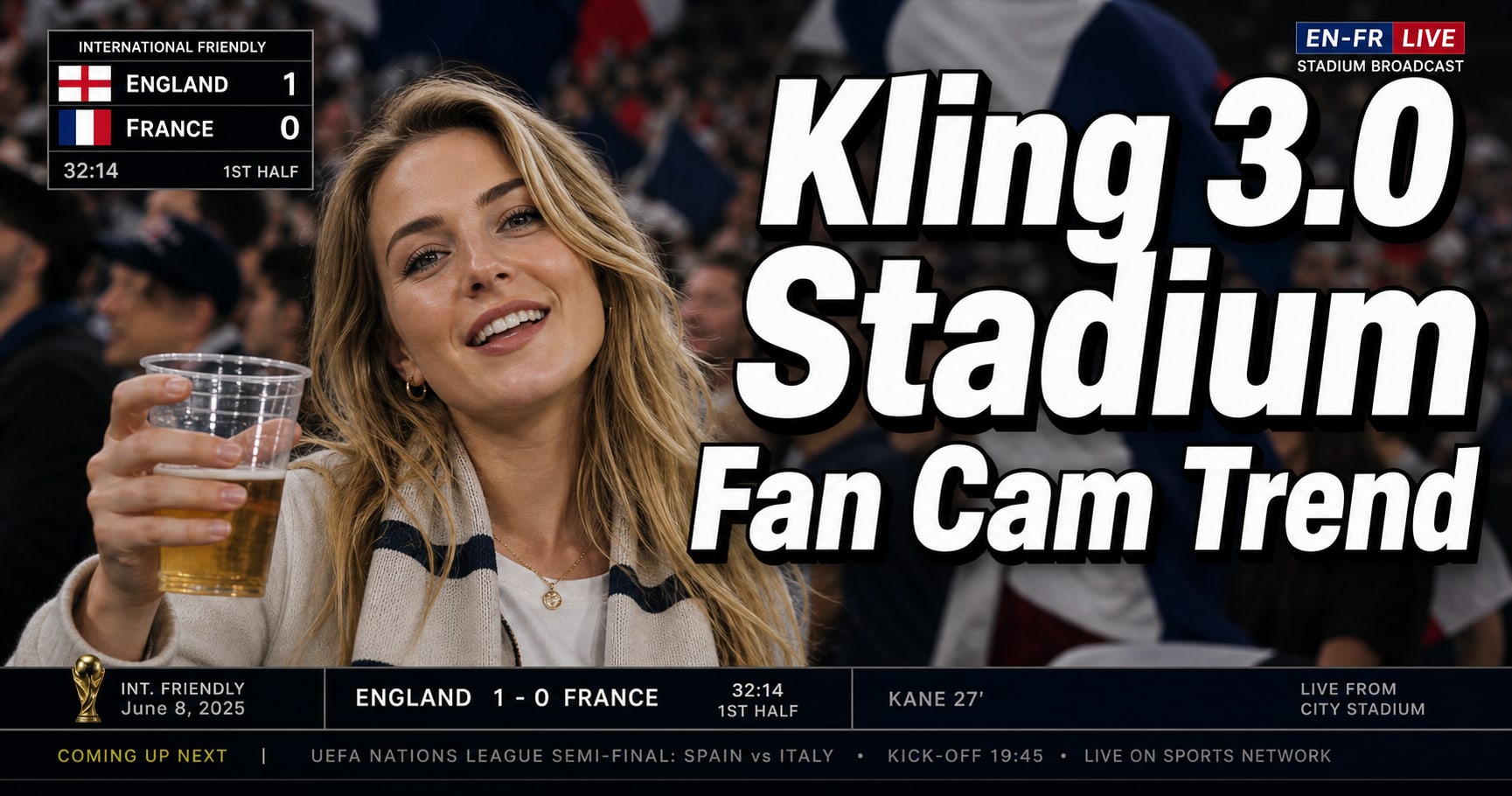
Kling 3.0 Stadium Fan Cam Trend: How to Prompt a Real Broadcast Look
A practical prompt blueprint for the Kling 3.0 stadium fan cam trend: broadcast realism cues, failure fixes, and a safe comparison plan.
Gemini Omni model: What It Is (and How to Build Safely While It’s Still Unclear)
A practical guide to the Gemini Omni model rumor cycle: what’s confirmed, what’s not, and how to ship video features safely using Veo 3.1 today.

Kling 3 4k Cost Routing
SEO-friendly description for search engines

Kling 3 4K Multi-Shot Consistency: Lock Sheets, Shot Rules, and a Ship-Pass Workflow
SEO-friendly description for search engines

Kling 3 I2V 4K vs T2V 4K: What Ships Cleaner (and What Iterates Faster)
SEO-friendly description for search engines
Kling 3.0 vs HappyHorse 1.0: A Production-First Comparison (Quality, Control, Audio, API)
A production-first Kling 3.0 vs HappyHorse 1.0 comparison: what sources claim, how to read leaderboards, a 30-minute evaluation harness, and a decision matrix for short-form teams.